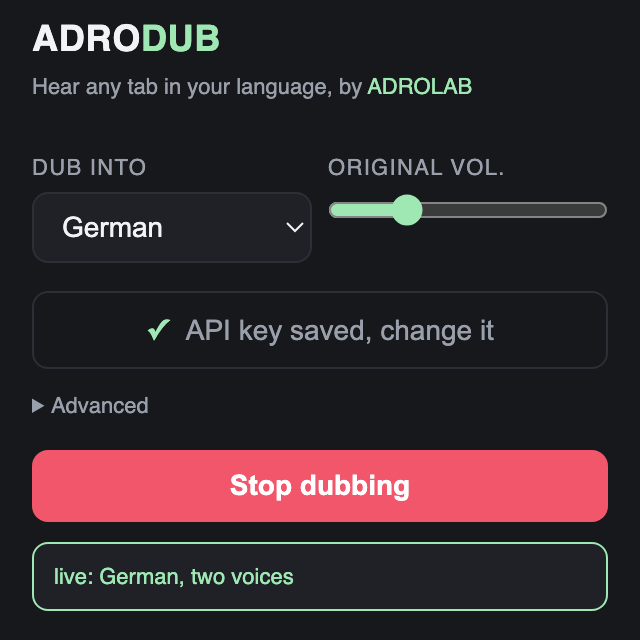
Set it up once. Two minutes.
adrodub runs on a key you create yourself, which is why it is free and why your audio never passes through us. You do this once.

Open Google AI Studio
Go to aistudio.google.com and sign in. Any Google account works, and a personal Gmail is fine.
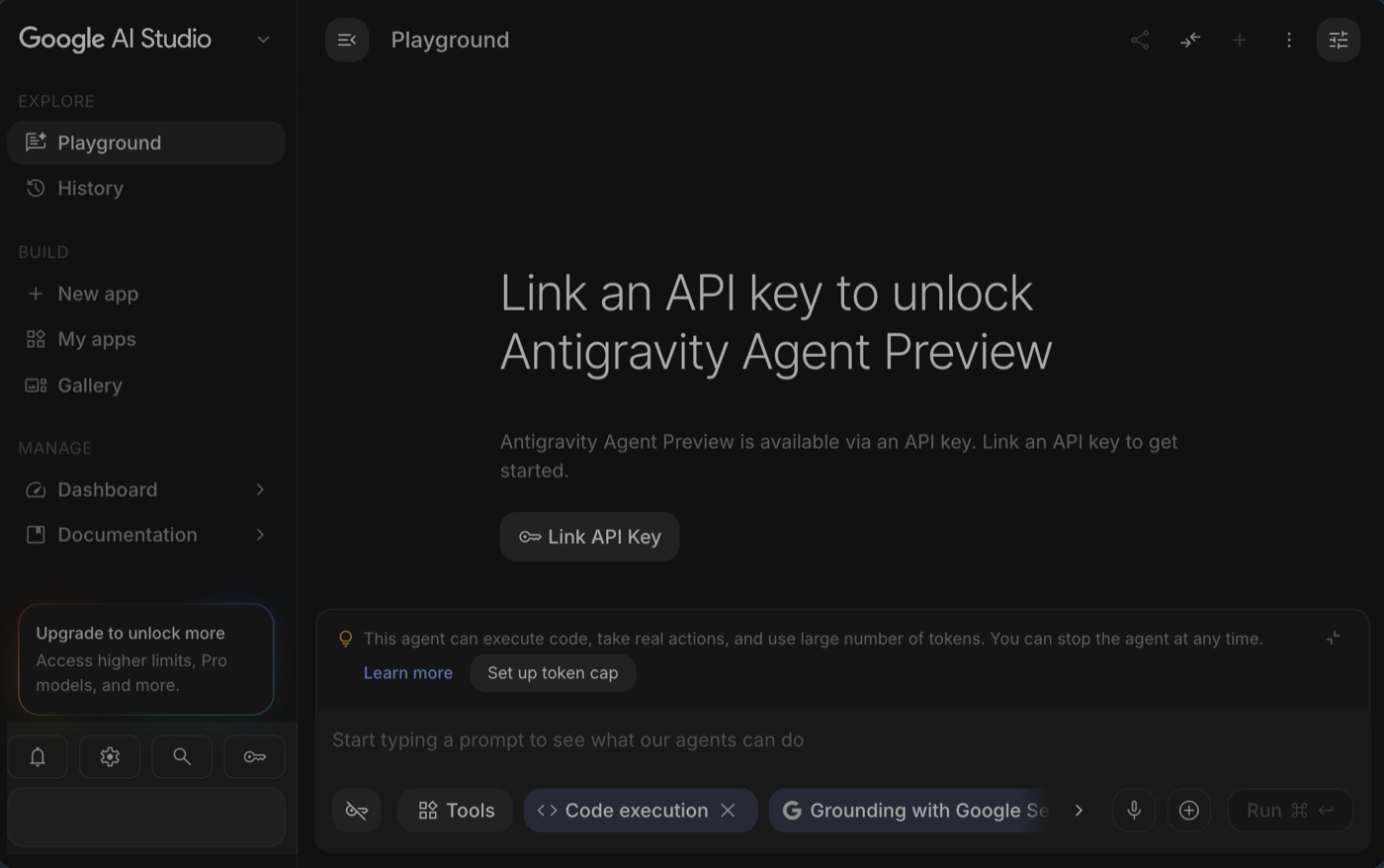
Open the API keys page
In the left sidebar, open API Keys. This is where every key on your account lives. If the list is empty, that is normal.
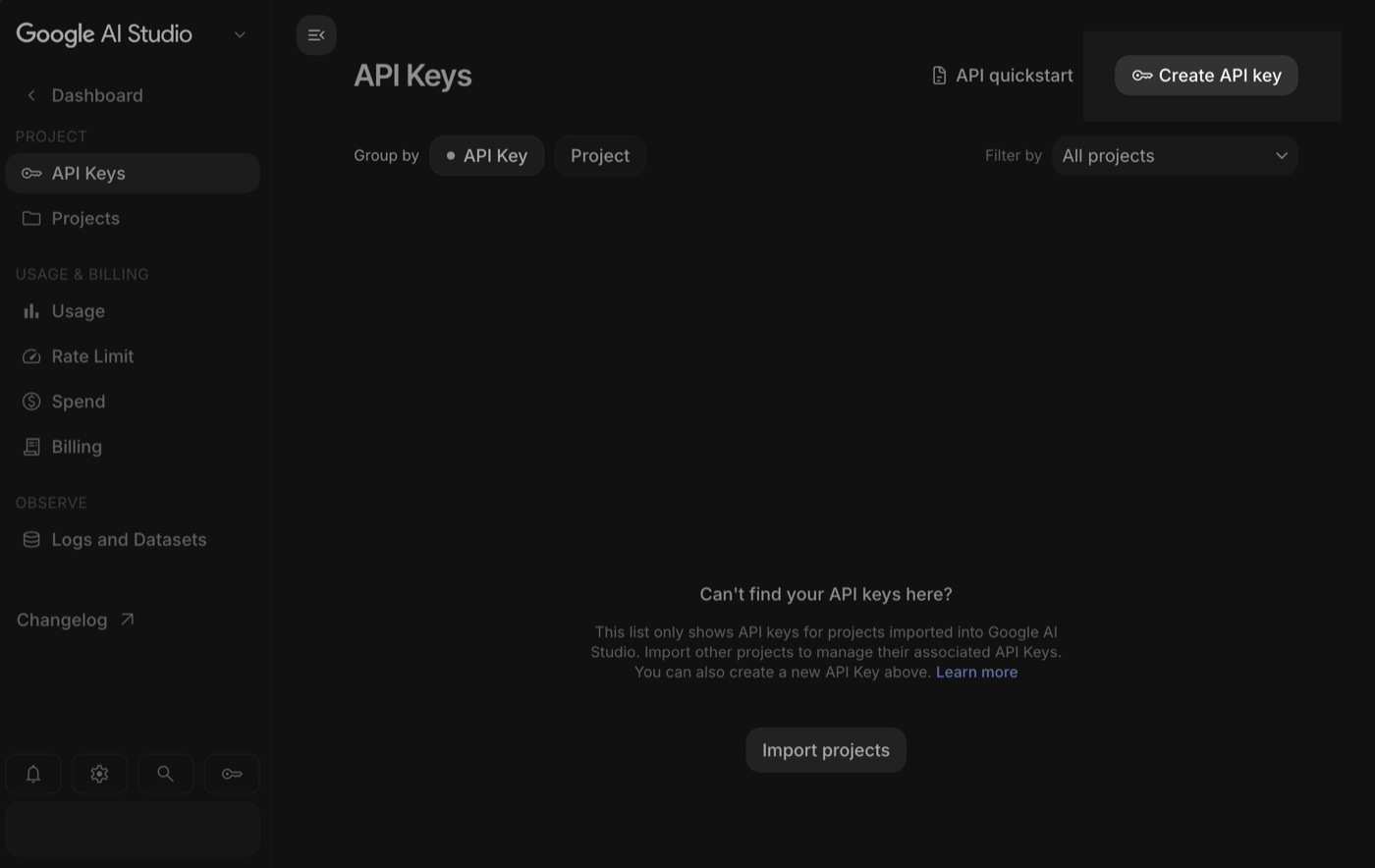
Press “Create API key”
Give the key a name and pick a project. Google makes it instantly.
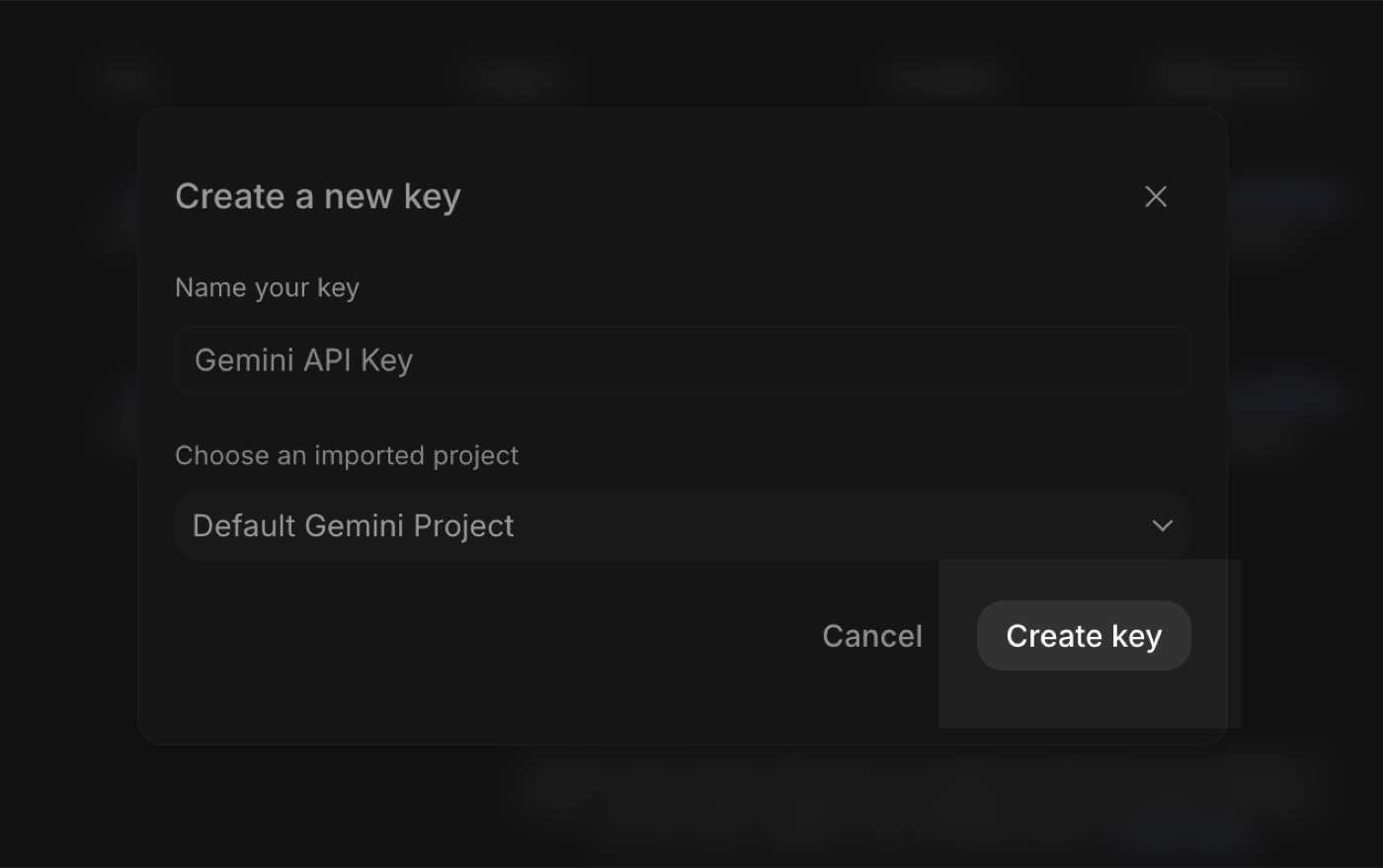
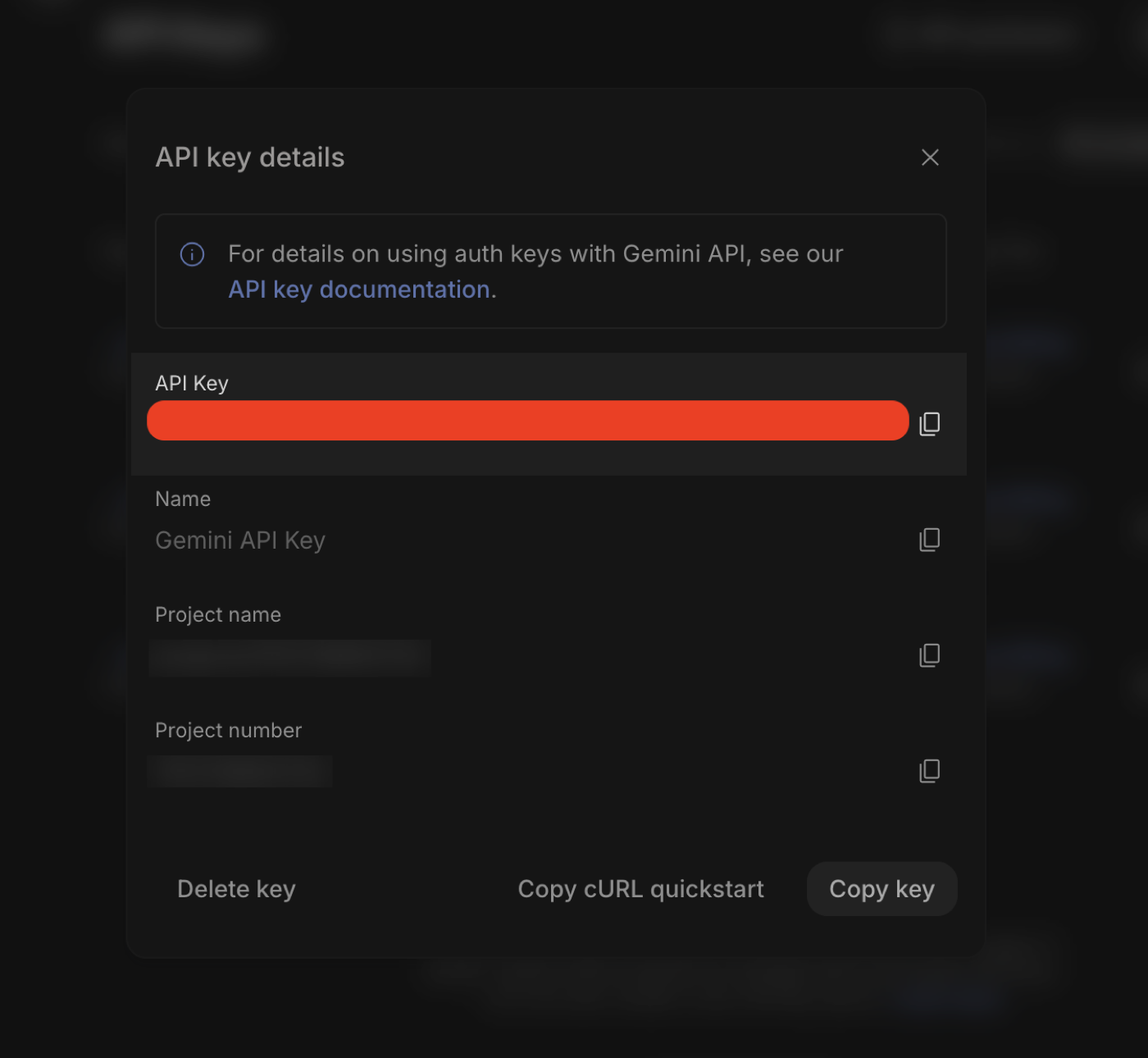
Copy the key
Google shows the key once. Press Copy key. It starts with AIza, and your account stays on the free tier.
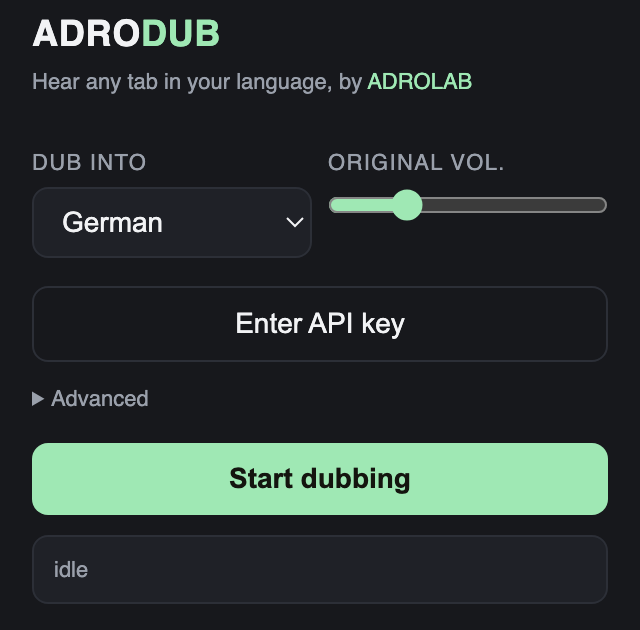
Open adrodub and press “Enter API key”
Click the adrodub icon in your Chrome toolbar. The button opens the Advanced panel with the cursor already in the right field.
Paste it, and it is saved
The key is written to your own browser as you type and never leaves your machine. The button turns into “API key saved”, so you never enter it again.
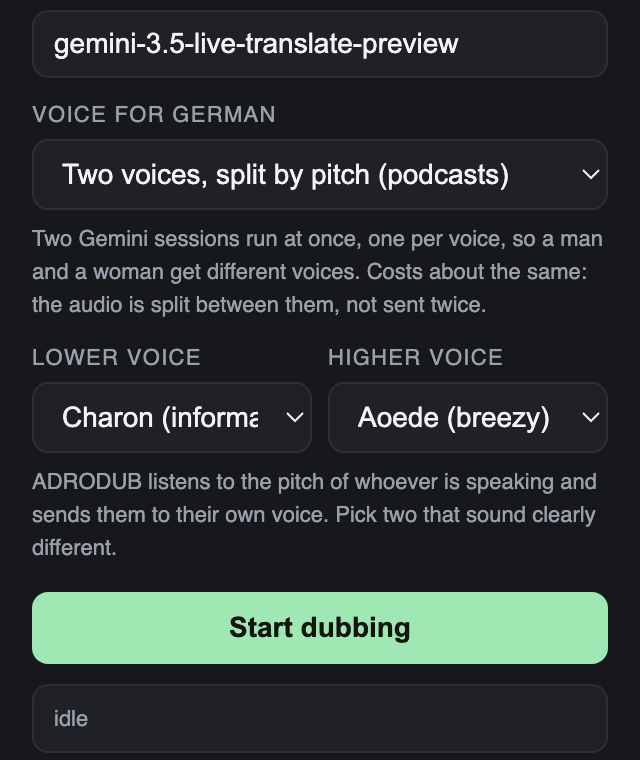
Play any audio or video and press start
Choose your language and press Start dubbing. In a podcast with two hosts, adrodub gives a man and a woman different voices by listening to the pitch of whoever is speaking.